Diplus
Overview
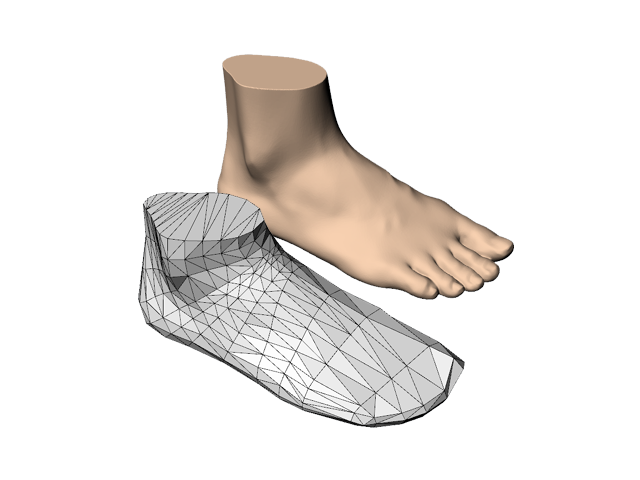
What is Diplus (/díːplˈʌs/)?
Diplus is a software to compare foot shape quantitatively.
When we say we compare feet, we have compared
foot dimensions like foot length, foot width, ball girth circumference or so.
But how we compare foot SHAPE itself with others QUANTITATIVELY?
Where is differtent? How the difference in it is? In QUANTITATIVE terms.
How should we describe those differences of foot shape itself?
It was hard to do that when we didn't have some appropriate definition.
Diplus is a Homologous Modeling Software for foot SHAPE analysis.
The model is generated from foot shape data and landmark points with anatomical definitions.
Homologous model consists of same number of data points
(295 in INFOOT standard type, 391 in high type) that are genereted with anatomical definitions,
and polygons made of them.
Anatomical and quantitative description of foot shape differences becomes possible
by comparing each point with its corresponding point.
Those model data can be applied for statistical analysis like average model or distribution map by registering them into Foot Model Database (FMDB).
Function
- Generate homologus sections
- Generete homologus foot model
- Databese of homologus foot model
- Kagami-Method Plugin is available
note On Statistis for shape, please visit DHRC.
note On Kagami-Method, please visit Kagami-Method School.
Process
Modeling Sample
INFOOT Scanned Data, Foot Form and 5 Landmarks. Landmarks are automatically recognised in INFOOT system. 5 Landmarks are required for Foot modeling, MT, MF, Sphyrion, Sphyrion Fibulare and Tentative Junction point.
On landmarks and dimensions, please see Foot Measurement
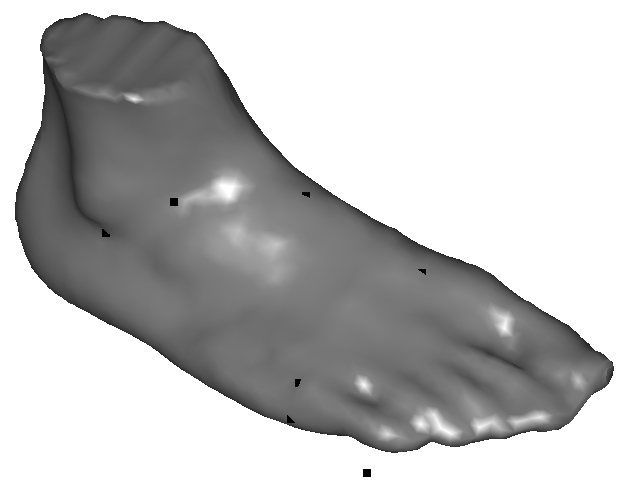
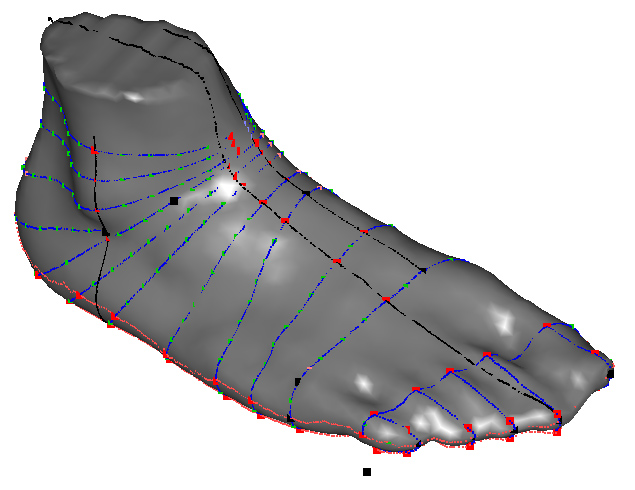
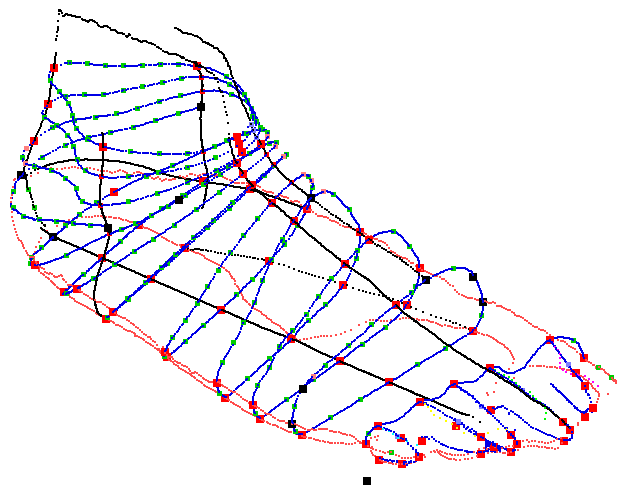
13 Homologous Cross sections are generated from Foot shape data and 5 Landmarks based on Foot modeling definition. After getting 13 cross sections, defined points in each cross sections are also generated based on Foot modeling definition. 295 is total number of defined points in 13 cross sections.
Polygon model is generated from 295 points. And it can be saved as MOVIE.BYU data format(GEO).


Kagami-Method Plugins
This plugin enables users to generate Kagami Fundamental Lines onto foot data that are scanned by INFOOT.
Also, by using Kagami-Method Plugin for LastMeasure,
the relation between foot and a shoe last can be described quantitatively.
Specification
| PC | PC/AT compatible PC with USB2.0 Interface |
| OS | Microsoft Windows 7, 8, 10 |
| CPU | x86 compatible 1.6GHz or more (Multi-core CPU recommended) |
| RAM | 2GB or more |
| Graphics | Corresponds to the OpencGL the graphic card |
| HDD | For software installation being less crowded above 20MB necessity. |